Maximize App Growth with Effective Screenshot Testing
Boost app conversions by optimizing app store screenshots using data-driven testing strategies. Learn practical tips to improve visual assets and drive growth.
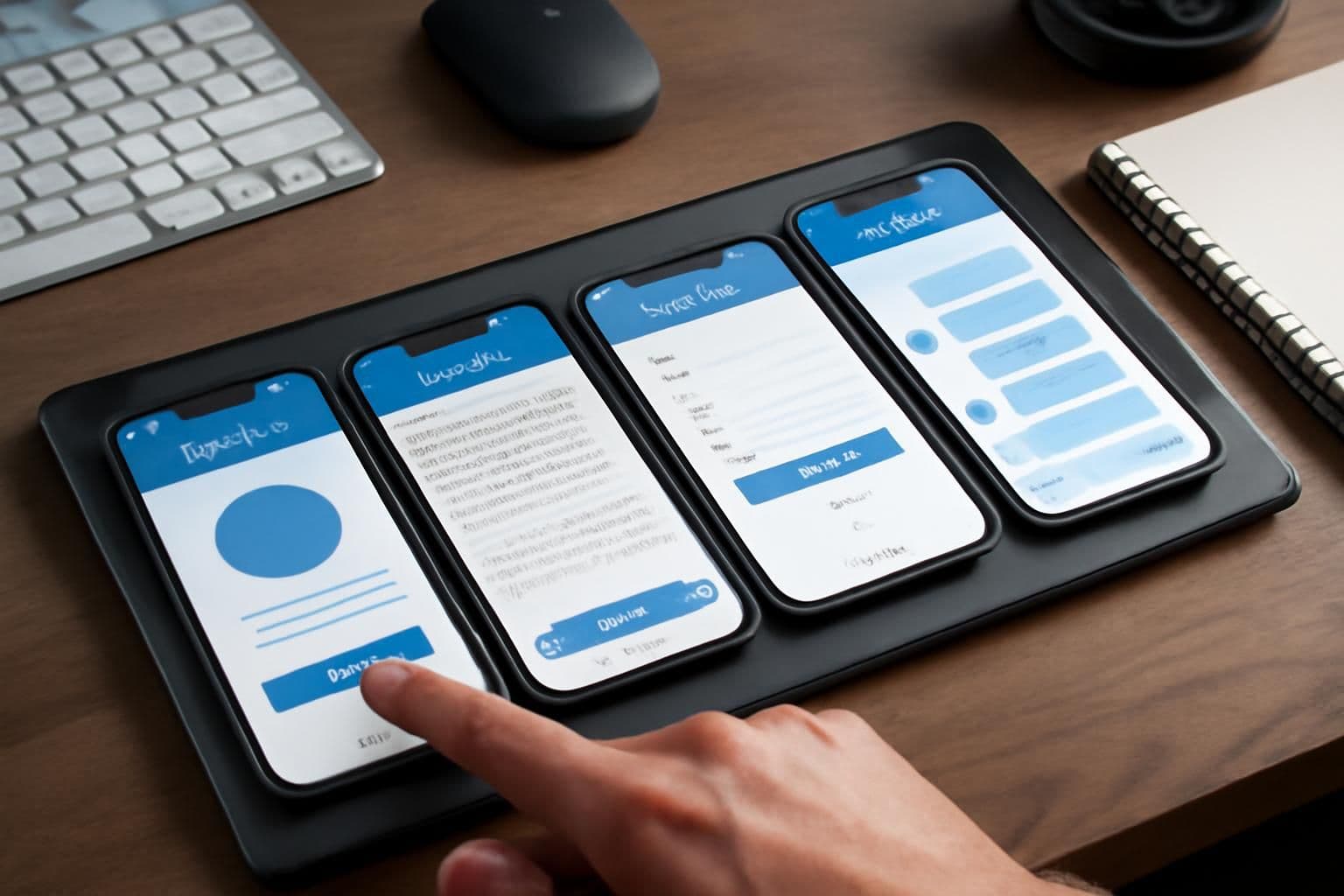
In mobile app growth, optimizing app store screenshots remains a pivotal yet underutilized strategy. While keywords and ratings often steal the spotlight, visual assets drive first impressions. Here's how you can leverage creative testing to enhance app store performance.
The Role of Screenshots in Growth
Screenshots are the storefront of your app. With 60% of users deciding to download based on visuals alone, underestimating their power can be costly. Effective screenshots communicate value, functionality, and appeal—all in a matter of seconds.
Both the Apple App Store and Google Play Store prioritize apps that convert well; high conversion rates influence your app's visibility and ranking. Hence, your screenshots are not just about aesthetics but are crucial for performance in the algorithmic rankings.
Screenshot Testing Strategies
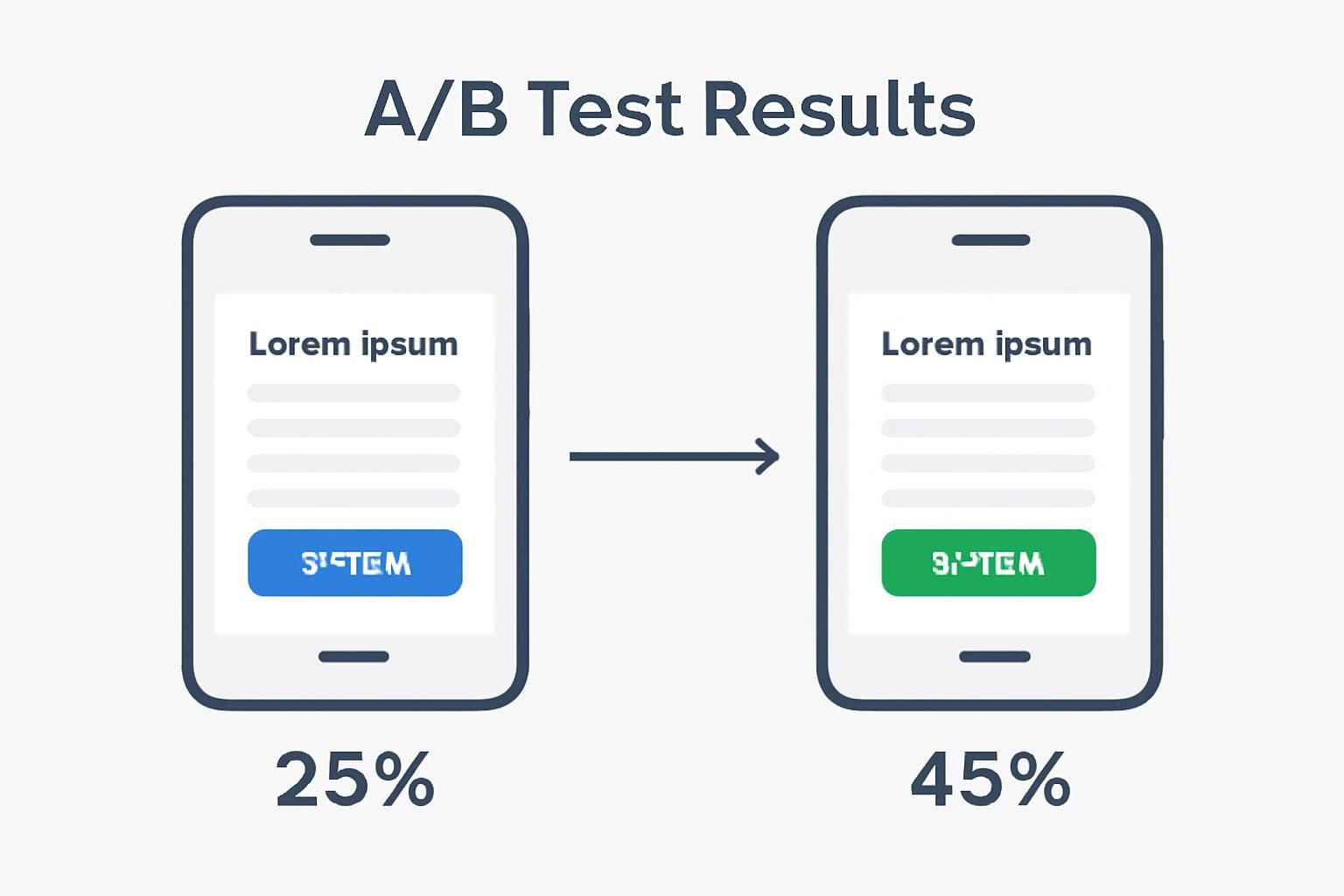
To realize the full potential of your screenshots, implement A/B testing. Tools like Firebase make it easier to perform such tests on your app store listings. Experimenting with different screenshots allows you to identify which visuals convert best.
- Highlight Key Features: Showcase the app's most compelling features using clear and descriptive imagery.
- Use Consistent Branding: Ensure your app's brand identity is clearly reflected in your screenshots.
- Incorporate User Reviews: Highlight positive feedback to build trust and credibility.
- Test Different Styles: Try various aesthetic approaches, from minimalist designs to vibrant, detail-rich depictions.
Employing these tactics through rigorous A/B testing can lead to a substantial increase in conversion rates. Start by determining a baseline with your current screenshots, then iterate based on data-driven insights.
Leveraging Data with Firebase
Firebase can streamline your creative testing efforts. It provides detailed analytics and allows you to run experiments across your app store metadata, including screenshots. By monitoring user interactions and conversion metrics, you can refine your visual assets to meet audience preferences more accurately.
This tool offers real-time data, critical for making informed decisions. Firebase's seamless integration with Google Play further simplifies the workflow, offering a unified platform to manage and optimize app performance.
The 2026 Takeaway
As we move towards 2026, the landscape of app stores will only grow more competitive. Mastering screenshot optimization through persistent testing and data analysis will be a cornerstone of app growth strategies. By leveraging tools like Firebase for A/B testing, you can ensure your app not only stands out but also converts at the highest possible rate.
In summary, while ASO often focuses on keywords and user ratings, the power of app store screenshots shouldn't be overlooked. Optimize these visuals through strategic testing to unlock significant growth opportunities.